Using OCI
For people who use Open Chat Interface every day — what each part does, and what your institution decides for you.
OCI puts several AI models behind one interface. Your institution decides which models are available and how much you may use; everything else works the same whichever model you pick.
Chatting
Models, reasoning, stopping, retrying, editing and forking, long conversations.
Attachments and web search
Sending files, and letting a model look things up.
Tools and connectors
Tool steps in a reply, approvals, and connecting your accounts.
Artifacts
Pages, images, diagrams and documents kept as versioned objects.
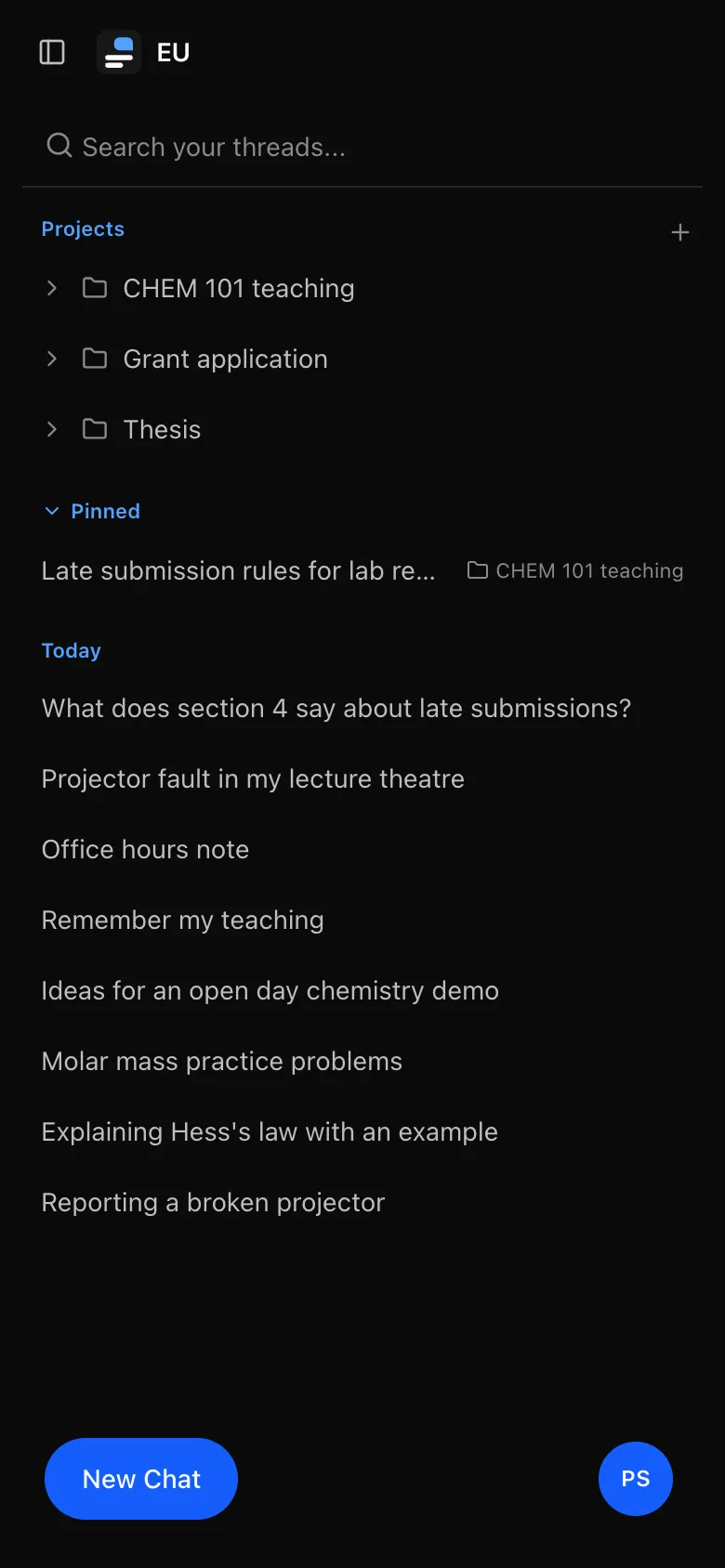
Conversations and the sidebar
Pinning, archiving, the trash, temporary chats and search.
Projects
Conversations grouped under shared instructions and files.
Memory
Notes about you that models use in every conversation.
Sharing
A read-only link to a conversation, and every link you have made.
Exporting as files
A reply or document as Word, PDF, PowerPoint or Excel.
Your data
Export everything, or import from ChatGPT or Claude.
Limits and usage
What a usage warning means and what to do.
Settings
Account and devices, your default model, your shared links, history and files.
What your institution decides
Several things you might expect to set yourself are decided for the whole instance, often per role:
- Which models appear in the picker.
- How much you may use, in messages, tokens or cost.
- How long conversations are kept before they are removed.
- Which features you have: web search, attachments, share links, temporary chats, branching (editing and forking), projects, memory and artifacts.
- Which tools models may use for you, and how many steps a reply may take.
- Which reasoning levels you can choose, and which one a new conversation starts at unless you set your own default.
- Whether you can delete your own account from Settings.
If something described here is missing for you, it has been turned off rather than broken. A refused request says it is "not available for your role". Ask whoever runs your instance.
On a phone
OCI works on a phone. The sidebar becomes a panel you open from the top left, the message box's controls collapse behind one button, and artifacts open full screen.