Instance settings
General settings and features, email delivery, file storage, and System health with background jobs and storage reconciliation.
General
Appearance & features → General (/admin/settings/general).
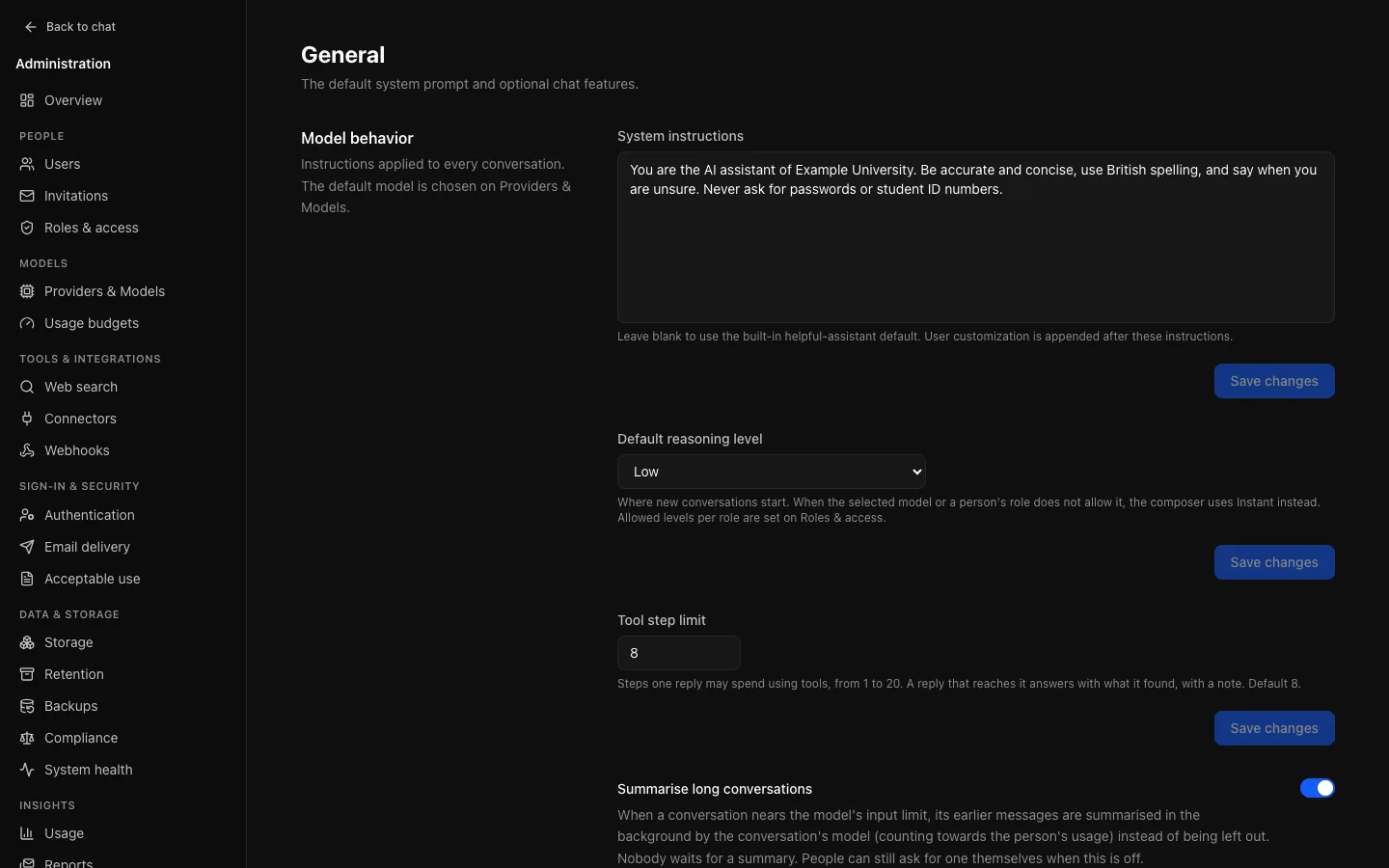
| Setting | Default | What it does |
|---|---|---|
| Default system prompt | Built-in | Sent with every conversation; a person's customization is added after it. Keep it short: it is charged on every message, and it is the first thing to suspect when replies drift. |
| Default reasoning level | Instant | Where the effort control starts in a new conversation: Instant, Low, Medium or High, lowered to Instant when the model or the person's role does not allow it. |
| Tool step limit | 8 | How many steps one reply may spend using tools, 1 to 20. A reply that reaches it gets one more step without tools, so it still answers, and a note says so. |
| Summarise long conversations | On | Once a conversation fills about three quarters of its model's input, earlier messages are summarised in the background by that model and the summary is sent instead. Each summary is usage for the person, and is skipped while their allowance is spent. Off, the oldest turns are left out instead; people can still summarise by hand. Messages are never changed either way. |
| Editorial diagrams | On | When a role allows artifacts, models are asked to draw diagrams as SVG artifacts in the Diagram Design style (MIT, Cathryn Lavery), in your colour theme's accent. Off, only the general artifact guidance remains. |
| Features | On, except user memory | Turn off share links, temporary chats, branching, file attachments and user memory for the whole instance. A role can narrow them further on Roles & access. |
Turning a feature off removes it from the interface rather than leaving a control that fails. Web search has its own switch on the Web search page; the default model is chosen on Providers & Models. User memory is described on Memory.
Email delivery
Sign-in & security → Email delivery (/admin/settings/email): host, port, TLS, credentials and the address mail is sent from.
Without it, OCI cannot send invitations, password resets, verification or scheduled reports; everything else works. The page calls SMTP configured once a host, port and from address are saved. That is not a delivery test: confirm mail arrives before relying on it. The username and password are write-only.
Requiring email verification does not switch itself off when SMTP is missing or failing; new accounts stay unverified until mail arrives. The Authentication page warns about this, and the setup checklist then marks email as required.
Storage
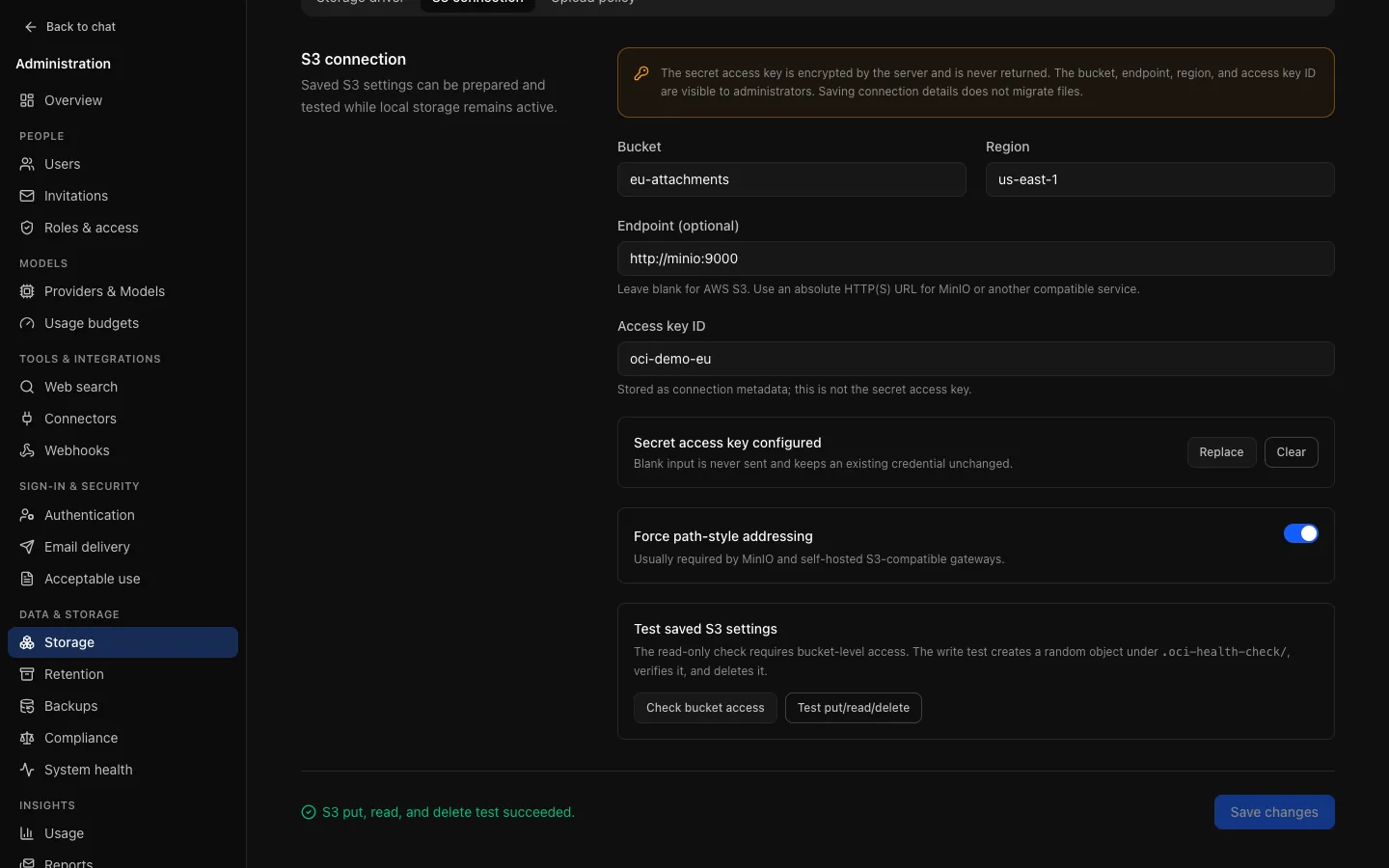
Data & storage → Storage (/admin/storage), with three tabs: the storage driver, the S3 connection, and the upload policy (accepted file types, size and number per message).
- Local stores files under
STORAGE_LOCAL_PATHinside the API container. The path is shown but not editable here, so you know which volume to back up. Suitable for one API replica only. - S3-compatible storage is needed for more than one replica. Test put/read/delete checks the saved S3 settings work, and can be run while local storage is still active. Run it before switching and after any change. Invalid S3 settings never fall back to local storage silently.
Uploads reserve their allowance before the object is written; deleting a file releases it at once, and the object is removed later by a background job.
System health
Data & storage → System health (/admin/health). Whether what OCI depends on is working, the background jobs, storage in use and storage reconciliation. Open this first when something is reported. It refreshes every 30 seconds while open.
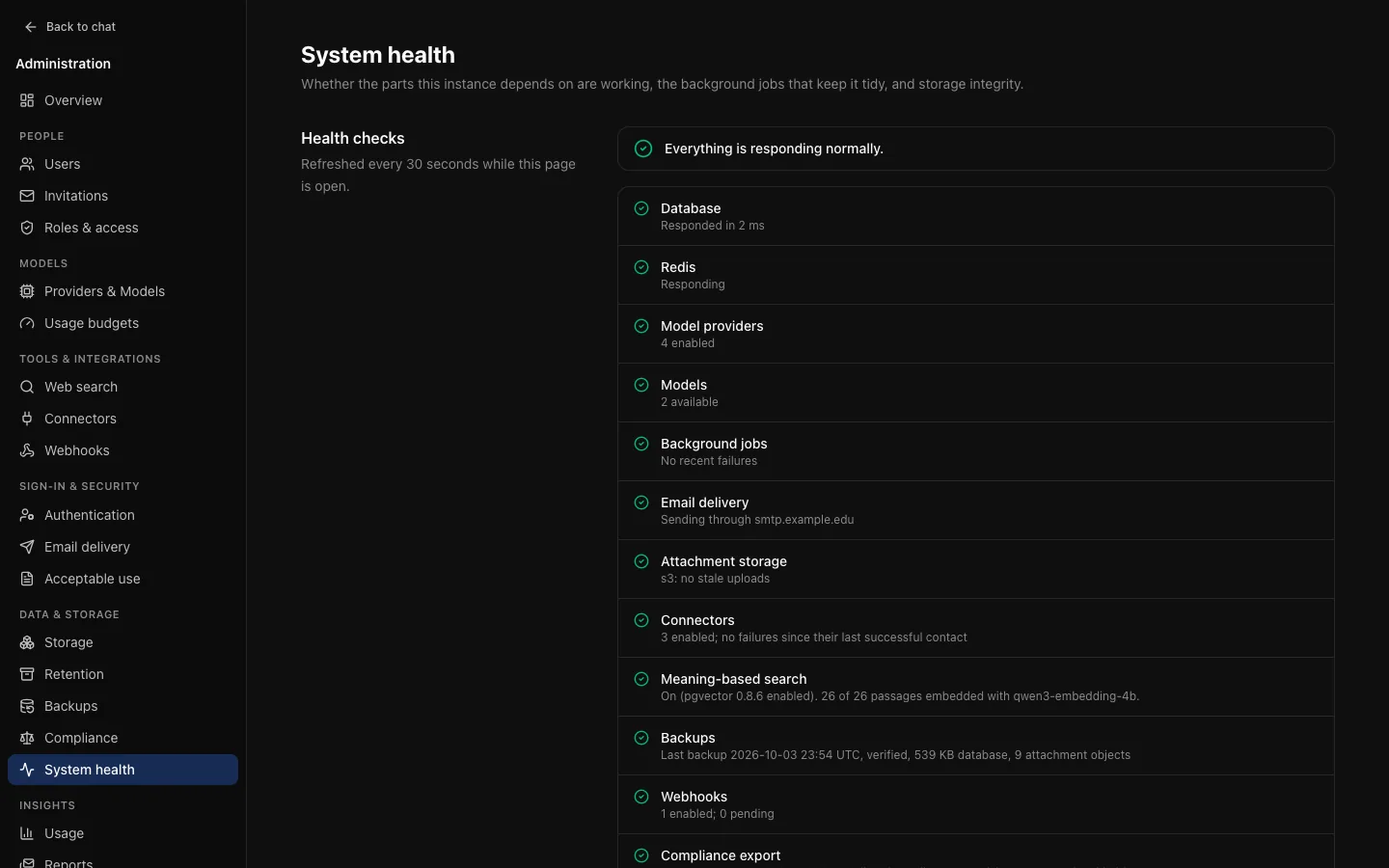
| Check | Warns when | Fails when |
|---|---|---|
| Database | Slow to respond | Not reachable |
| Redis | Not configured | Configured but unreachable |
| Model providers | None enabled | |
| Models | None enabled | |
| Background jobs | Failures in the last day | One started over an hour ago and never finished |
| Email delivery | Not configured | |
| Attachment storage | Uploads never attached to a message | |
| Connectors | An enabled connector's latest exchange failed | |
| Backups | On, but nothing completed in over a day, or objects missing | The latest backup failed |
| Webhooks | An endpoint's latest delivery failed, or deliveries over 15 minutes overdue |
It also shows Meaning-based search, Compliance export (with how many people are on legal hold) and Observability (whether metrics and traces are on). The summary takes the worst result, so a green banner above a failing row cannot happen.
Redis absent is a warning, not an error. Replies still work, but reconnecting to a reply in progress is unavailable and rate limits fall back to each replica.
Background jobs
The latest run of each scheduled job: when it started, how long it took, how many items it processed, and any error. Run starts one now, which is useful after changing a setting it depends on, such as retention. Each job holds a PostgreSQL lock while it runs, so replicas never run the same job at once.
Storage reconciliation
Compares file storage against the database in both directions. Check for orphans reports objects with no record and records with no object; Queue orphans for deletion hands the orphaned objects to the cleanup job. Worth running after restoring a backup. Records with no object are reported, not repaired. Objects newer than 24 hours, and backup and compliance objects, are never treated as orphans. Storage in use shows live bytes and files, what is in the trash, and how many objects are queued for removal.